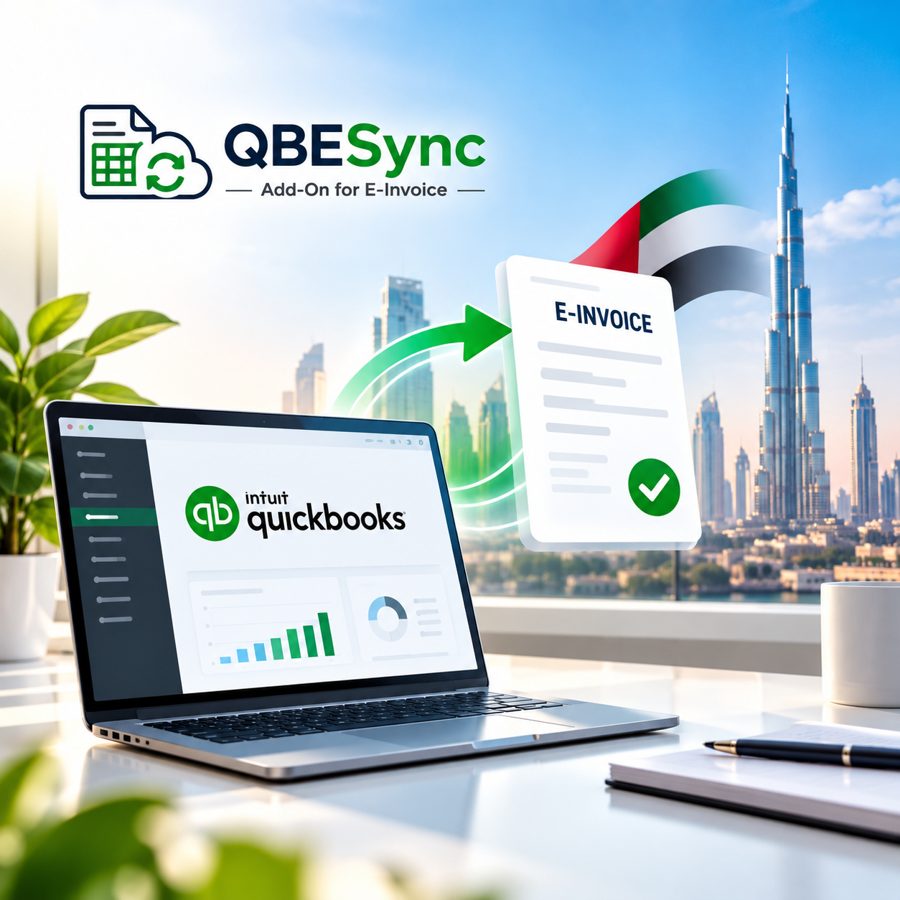
QuickBooks e-invoicing for the UAE, without changing your software
In short, QBESync is Perfonec’s Integrator App for QuickBooks. Because it connects natively to your existing setup, it sends every invoice automatically through our approved ASP, Taxilla Finops 360, to the FTA portal over the 5-Corner Peppol network.

Automated, secure, compliant invoicing
A production-grade middleware that plugs into the QuickBooks you already use, and then handles e-invoice transmission end to end.
5-Corner Peppol Network
Documents also route securely across the global Peppol network to the FTA infrastructure.
Native QuickBooks Integration
Because it plugs directly into your existing QuickBooks setup, nothing changes in how your team works.
Approved ASP Configuration
It is built and certified together with an FTA-approved Accredited Service Provider.
Key features and capabilities
Zero Workflow Disruption
Staff record invoices in QuickBooks as usual, while data maps and syncs in the background.
Mandatory Field Mapping
All 51 UAE compliance points are translated precisely, so every document follows the valid PINT AE schema.
Real-Time Status & Logs
You get immediate confirmation of accepted transmissions, as well as detailed validation logging.
All 4 Document Types
Coverage is full for Tax Invoices and Purchase Bills, as well as Credit Notes (CN) and Debit Notes (DN).
Multi-Tax Scenarios
Support is seamless for standard VAT, and also for Reverse Charge (RCM), exports and advance receipts.
Data Retention & MIS
Transaction history stays secure, so you can export it to Excel whenever auditing requires.
A local UAE e-invoicing support team that stays with you after go-live
Perfonec specialists guide setup, testing and day-to-day questions, so your finance team is never left alone with compliance.
- Guided setup, plus sandbox testing before go-live
- Help with data mapping, especially FTA schema checks
- Responsive support, because questions arise later


QBESync for QuickBooks Desktop
Many UAE businesses still run their books on QuickBooks Desktop. Therefore, QBESync plugs directly into your existing setup. It then sends every invoice, bill, credit note and debit note through Taxilla Finops 360, our approved ASP, to the FTA over the Peppol 5-Corner network. As a result, you stay compliant for UAE e-invoicing without changing your software.
Works with your existing QuickBooks
Because there is no new accounting system to learn, your team works exactly as before.
Sends documents automatically
Every invoice, bill, credit note and debit note goes out automatically, so nobody re-keys data.
Set up and tested by Perfonec
Activation, data mapping and sandbox testing are done before you go live.
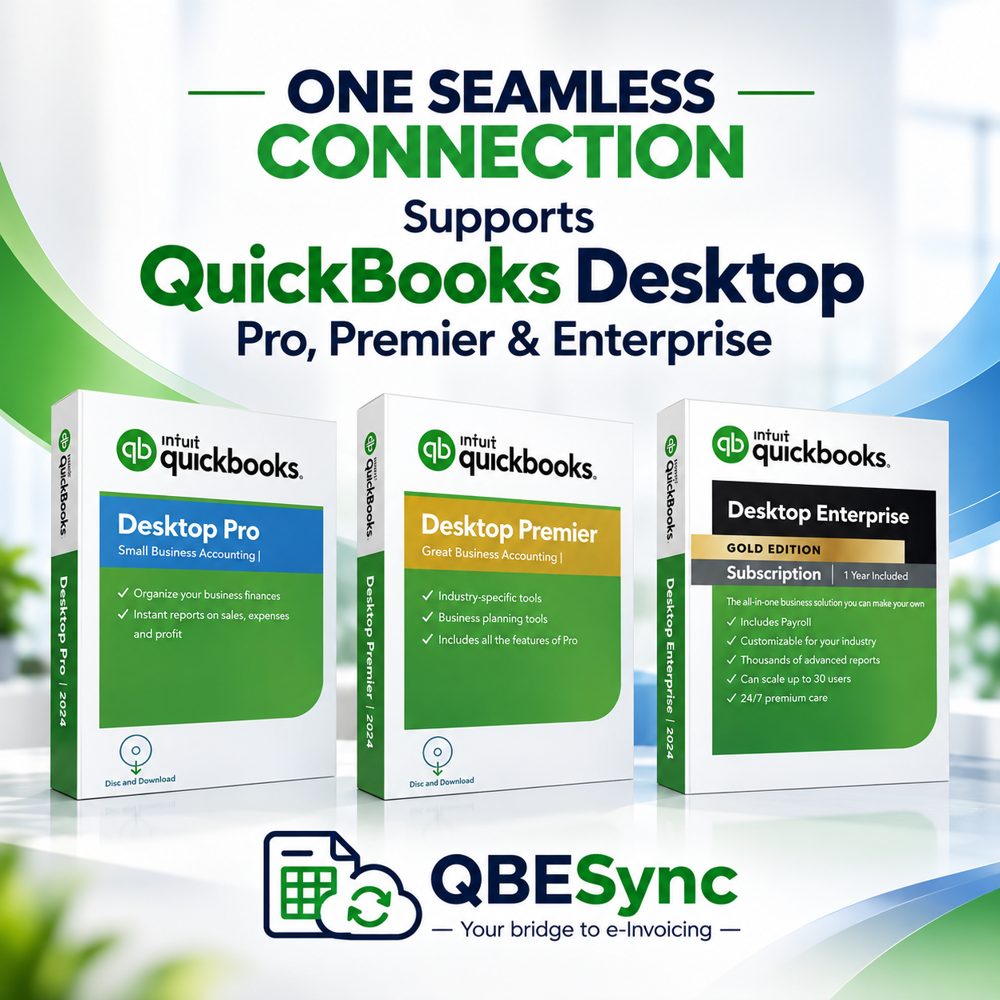
Supports QuickBooks Desktop Pro, Premier and Enterprise
Use QBESync with the QuickBooks Desktop you already run, instead of switching software. Also, it supports the US, Canada and UK editions of every version below.
Not sure which edition you have? Perfonec confirms compatibility before setup.
QBESync for QuickBooks Online
QuickBooks Online keeps your accounts in the cloud, so your team can log in and work from anywhere. Once connected to your QuickBooks Online account, QBESync sends each invoice automatically through Taxilla Finops 360, our approved ASP, to the FTA over the Peppol network. As a result, your team keeps working exactly as before, while UAE e-invoicing happens in the background.
Work from anywhere
QuickBooks Online runs in your browser, so your team can send e-invoices from any location.
Connects to your account
QBESync links to your existing QuickBooks Online, so nothing changes in how your team works.
Sends invoices automatically
Each invoice then goes through Taxilla Finops 360 to the FTA in the background.
Set up and tested by Perfonec
Activation, data mapping and sandbox testing are done before you go live.
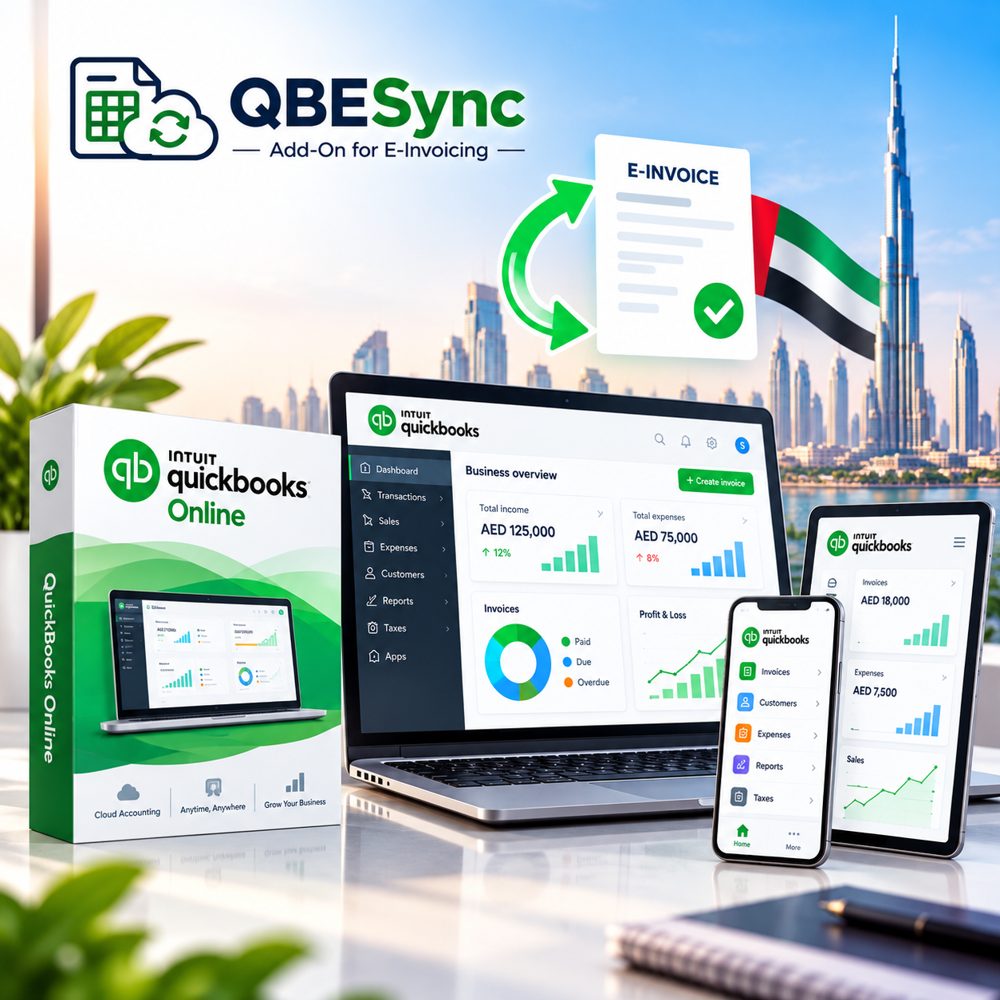
QuickBooks Online is supported too
If your books live in QuickBooks Online, QBESync connects to them directly, so UAE e-invoicing works without changing how your team already works.
From QuickBooks to the FTA, automatically
Each invoice you save then travels the 5-Corner Peppol route. Meanwhile, QBESync takes care of conversion, validation and delivery.
See every document, from QuickBooks to the FTA
QBESync keeps a clear queue of everything it sends, so your finance team always knows what has been reported and what still needs attention.
OESync for Odoo ERP
Odoo ERP brings accounting, sales, purchasing, inventory and more into one platform. Therefore, many UAE businesses now run their operations on it. OESync is Perfonec’s e-invoicing add-on for Odoo. It turns your Odoo invoices into UAE e-invoices, and then sends them through an approved ASP to the FTA over the Peppol network, so you stay compliant without leaving Odoo.
Enterprise and Community
Works with Odoo Enterprise and, in addition, with Odoo Community editions.
Odoo versions 17 to 20
Supports Odoo v17, v18 and v19, as well as v20.
Sends invoices automatically
Once an invoice is ready in Odoo, it is then sent to the FTA over the Peppol network through an approved ASP.
Set up by an Odoo Ready Partner
Perfonec handles setup, mapping and testing before you go live.
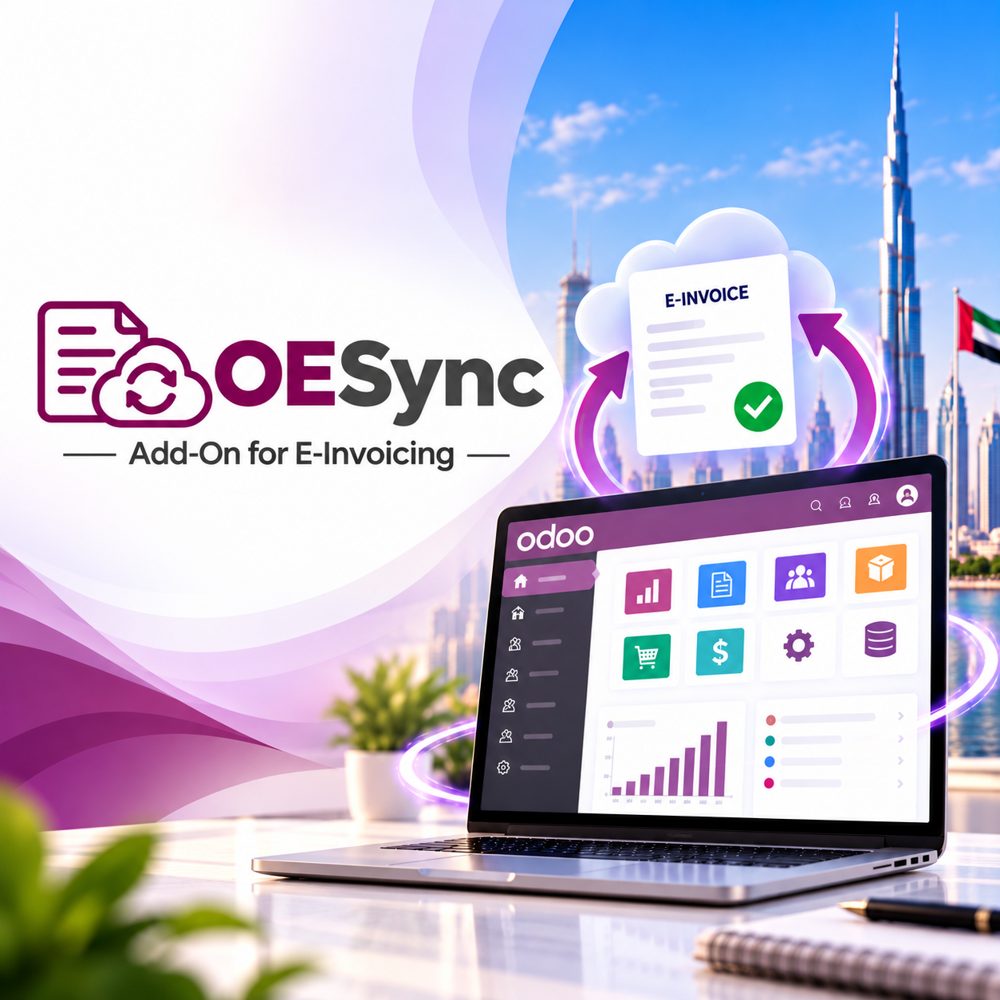
On Odoo? OESync does the same for you
OESync is Perfonec’s e-invoicing add-on for Odoo ERP. It also supports both Enterprise and Community editions, on versions 17 to 20.
Scope of onboarding and professional services
Our team sets everything up and tests it before you go live. Overall, onboarding is typically completed within a few working days, depending on transaction complexity.

Software activation and security setup
We deploy the QBESync Add-On module, together with 5-Corner network routing clearance.
Data mapping and schema validation
Your core transaction fields are translated into FTA-compliant XML structures, and then validated against the schema.
End-to-end sandbox testing
Test transactions are routed through the sandbox, so connectivity with the ASP and FTA portals is confirmed before go-live.
Compliance framework and terms
Document scope
All Invoices, Bills, Credit Notes and Debit Notes in your QuickBooks are covered. Each document type is mapped to the PINT AE schema before it is sent to the FTA.
Extra usage
Volume beyond your annual tier is recorded, and then invoiced monthly or at renewal. The document pack is a fixed annual quota with no rollover, so usage stays easy to track.
Network protocol
Peppol 5-Corner architecture terminates at FTA infrastructure. In addition, every document travels through Taxilla Finops 360, our approved ASP.
Contract cycle
The contract runs for 12 consecutive months from live integration confirmation. Year 1 includes full support, while the annual document pack renews every 12 months.
Implementation and commercial structure
1. Onboarding & App Fee
This one-time fee covers application licensing, setup on server/PC, Taxilla ASP Peppol onboarding, master data mapping, as well as user SOP training.
2. Annual Document Pack
This volume-based annual transaction quota covers certified ASP transmission over Peppol. It is renewed every 12 months, since the quota is fixed with no rollover.
3. App Updates & AMC
Year 1 includes full support. After that, standard AMC charges apply for regular software updates, FTA schema enhancements, and ongoing technical support.
QBEPrint: invoice and voucher printing for QuickBooks
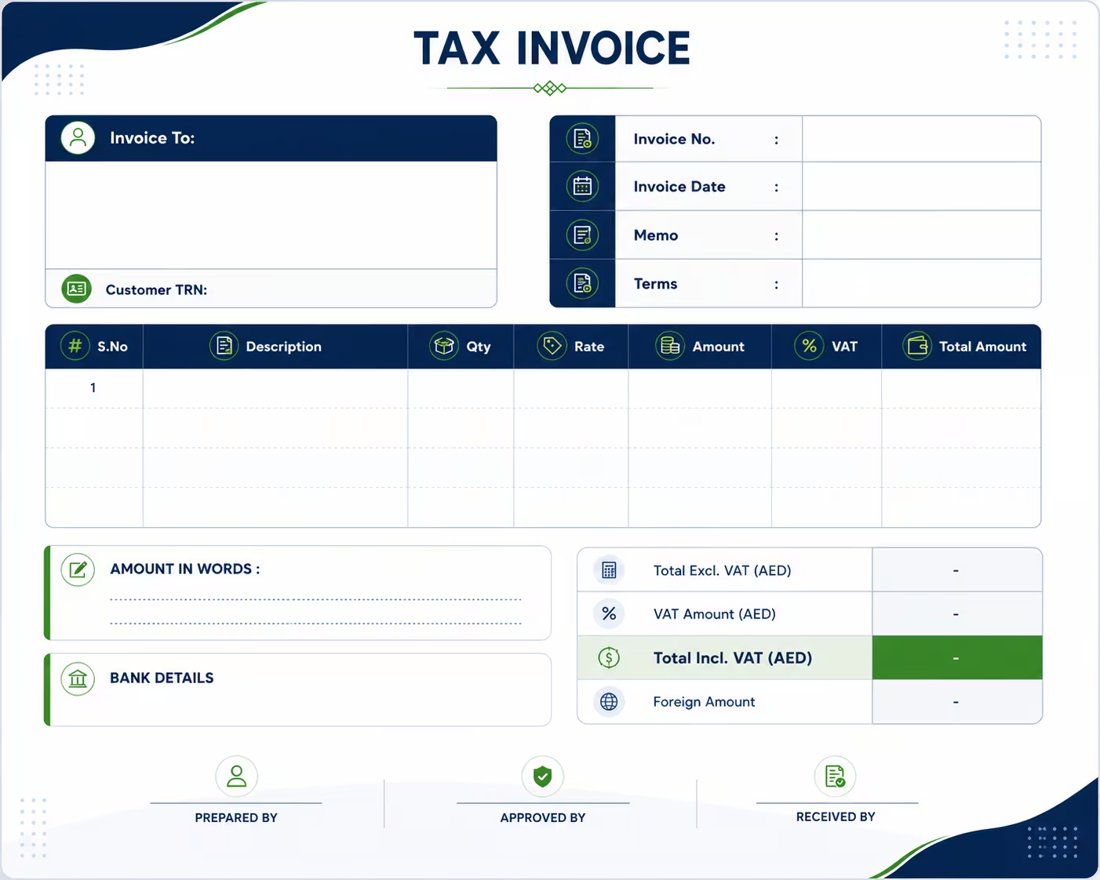
Print detailed FTA-format tax invoices and vouchers straight from your QuickBooks records, so there are no extra apps or manual syncing.
Frequently asked questions
What is QBESync?+
QBESync is Perfonec Computers’ Integrator App for QuickBooks, built for UAE E-Invoicing 2027. Therefore, it automates end-to-end e-invoice transmission through a certified Approved ASP, while linking securely to the FTA portal over the 5-Corner Peppol network.
Which QuickBooks documents does it cover?+
It covers all Invoices, Bills, Credit Notes and Debit Notes registered in your QuickBooks. Moreover, each one is mapped to your subscription quota.
What if I go over my annual document quota?+
Extra volume is recorded clearly. Overage fees are then invoiced monthly or settled at your renewal date.
How long does onboarding take?+
Activation, data mapping and sandbox testing are typically completed within a few working days, although this depends on transaction complexity.
Is QBESync FTA compliant?+
Yes. It is built in partnership with an FTA-approved Accredited Service Provider, so it follows the UAE’s mandatory e-invoicing rules.
How long does a subscription run?+
A subscription runs for 12 consecutive months, starting from live integration confirmation. Afterwards, the annual document pack renews.
Get your QuickBooks ready for UAE e-invoicing
So talk to Perfonec about QBESync setup, pricing and support. We will check your QuickBooks setup, explain what you need before the 2027 deadline and give you a clear plan and quote.
Mon–Fri, 10:00 AM–6:00 PM GST · sales@perfonec.com